Video Generation

Here you can generate any video with AI — marketing clips, social media content and more, without the risk of copyright infringement. Choose a model, describe the scene, configure parameters and get your ready video!
Home

/

Tools

/

Video Generation

Caps remaining: 0 CAPS

How Video Generation Works

star
1

Choose a Model

Different models are available for video generation, each with its own features. Choose the one that best fits your goals.

star
2

Add Description

Specify objects, characters, environment, angle, lighting, mood. It's very important to detail the desired video style.

star
3

Configure Parameters

Each model has its own settings — for example, video duration and aspect ratio. Specify parameters that suit your project.

star
4

Try It Out

Upload an image and start processing. AI will analyze the data and create a video based on your picture.

Tool Capabilities

Image Animation

Upload any image and AI will create dynamic animation, adding movement and "life" to your static picture. Turn a photo into a mini-video in seconds.

Flexible Parameters

Choose animation style and set key parameters: video duration, aspect ratio (e.g., 16:9, 9:16, 1:1). Configure output data perfectly for your task.

Instant Video

Neural network will instantly process your file and generate a unique video based on it. No complex editing — results in minutes.


lineline

Cost

ELITE
Per second of video generation by models
GoogleVeo
168 750 Caps / 26.52 ₽per 1 second
Runway
30 000 Caps / 4.71 ₽per 1 second
Sora
337 500 Caps / 53.04 ₽per 1 second
Kwaivgi
189 000 Caps / 29.70 ₽per 1 second

Examples of Speech Synthesizer Use

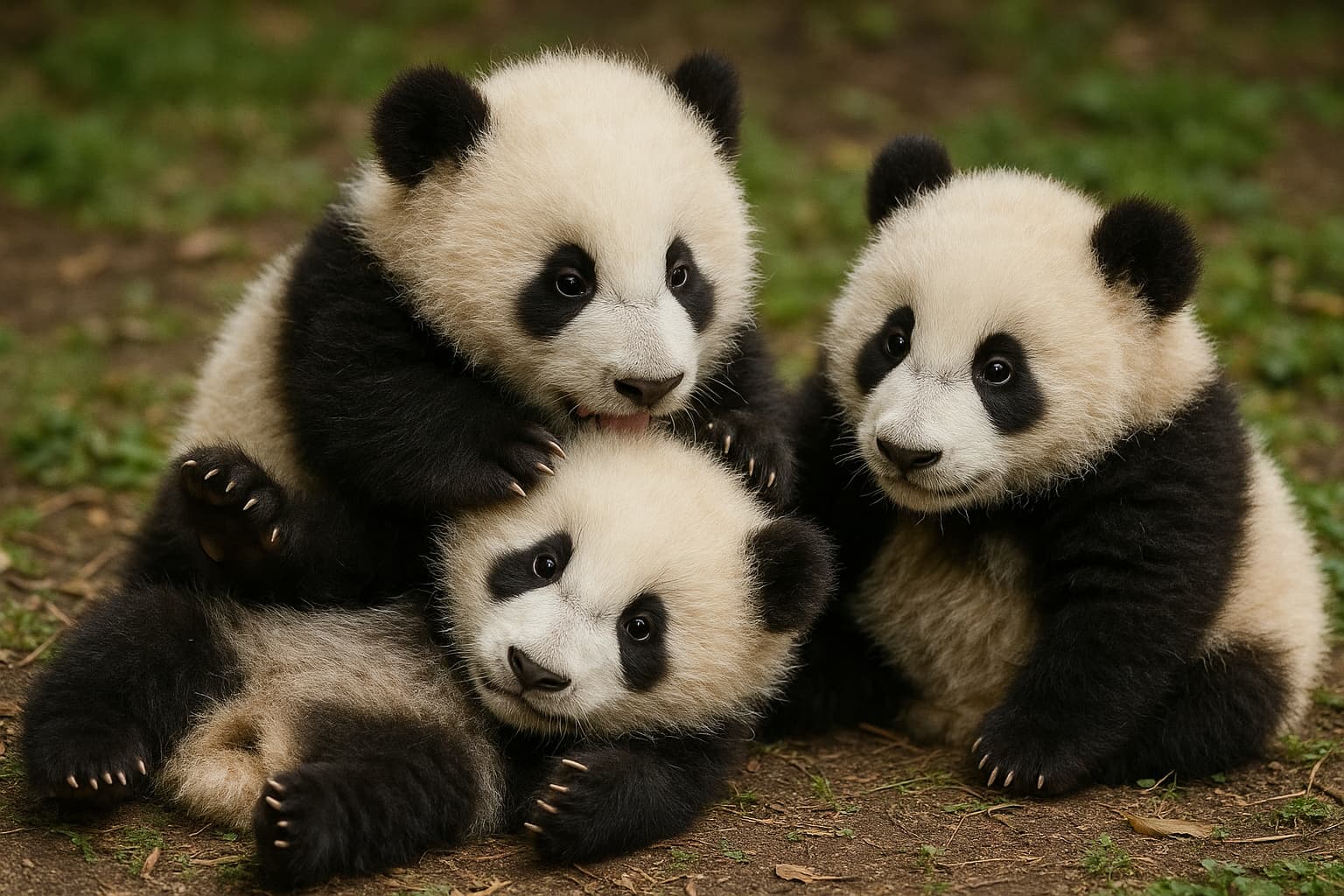
Image-Prompt
pandas
Result
Veo-3.1
Prompt
A white tiger cub playing in the snow, with mountains in the background. This is a professional photograph that won the National Geographic photo contest and was published in National Geographic magazine. High resolution image, hyperrealistic, shot with a wide-angle lens in natural light on a Canon EOS R5 camera.
Result
Veo-3.1-Fast
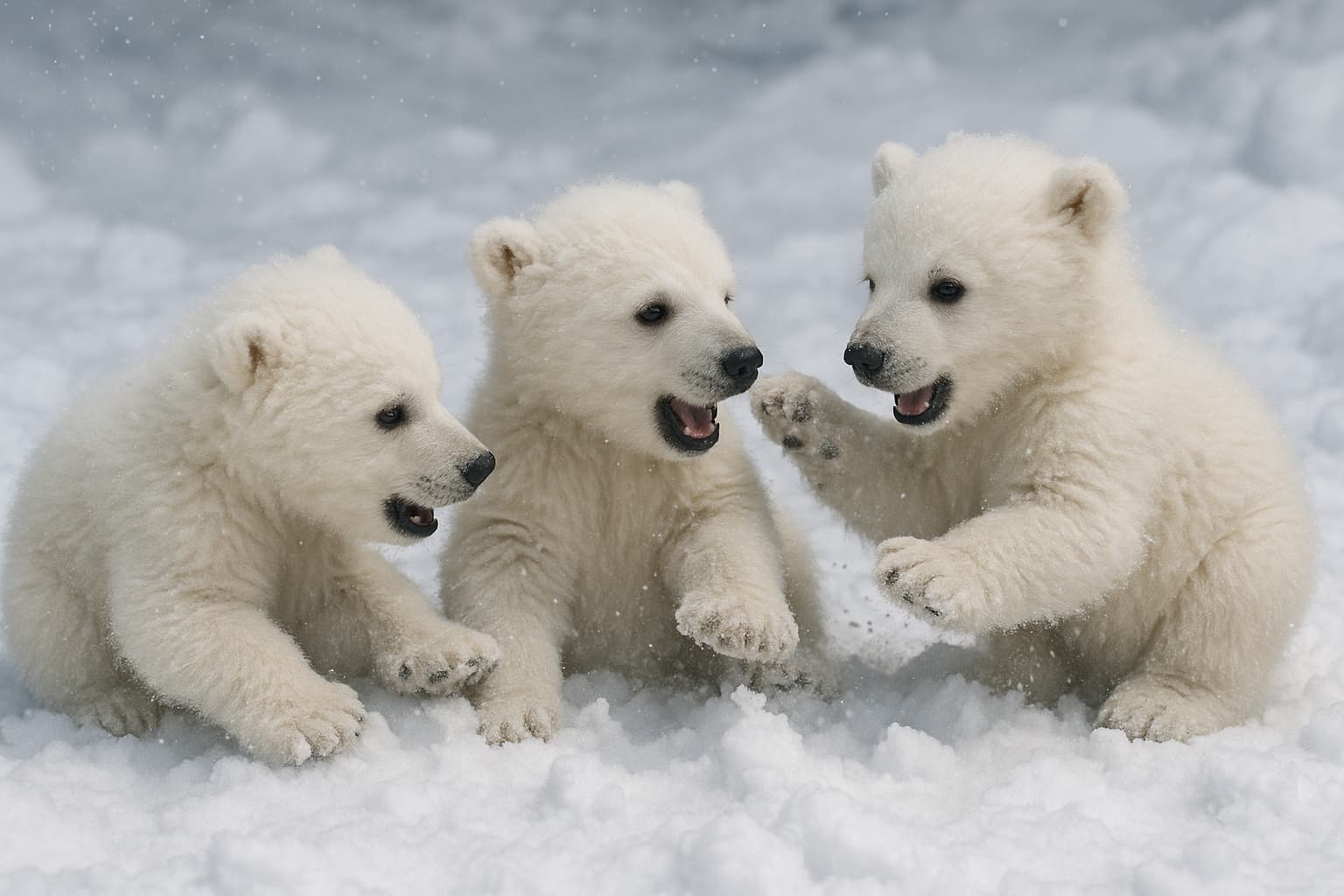
Image-Prompt
bears
Result
Runway
Gen4-turbo
Prompt
A cat playing with three kittens on the grass, cute and charming. The ginger mother is fluffy, orange-colored, standing on her hind legs like an anthropomorphic character, playfully interacting with her kittens. All have soft fur, playful faces and tiny paws — they're experiencing moments of joy together. This scene conveys their bond through unique interaction between them, with emphasis on their faces.
Result
Veo-3.1-Fast

How to Write Prompts for Video Generation

For an AI-based video generator to create the perfect video, you need to compose the prompt correctly.

Formulate the Topic

Start with the main thing — clearly define what your video will be about. Formulate the main idea in one or two sentences. The more specific the topic, the more accurate the result. Instead of vague "beautiful nature" write "morning fog over a mountain lake surrounded by coniferous forest". The topic is the foundation of the prompt: if it's weak, everything else won't save the result.

Detail the Description

Fill the prompt with details that are important for the final video. Specify objects, characters, their appearance, actions, lighting, color palette, time of day and weather. It's the details that distinguish mediocre results from impressive ones. The rule applies: everything you don't describe, AI will make up for you — and it's not certain it will match your vision.

Define the Style

Set the visual language of the video: cinematic realism, 3D animation, anime, retro film, watercolor painting — there are many options. Specify references if available: "in Wes Anderson style", "Blade Runner aesthetic", "like National Geographic shots". Style forms mood and emotion, so choose it consciously, for the task.

Describe the Scene

Describe the frame composition and camera movement — what turns an image into video. Specify the angle (close-up, top view, first-person shooting), camera movement (smooth zoom, orbit around object, static frame) and dynamics within the scene (hero walks towards camera, leaves fall, waves run onto shore). This gives the video cinematic quality and controllability.

Describe the Scene

The perfect prompt rarely works the first time — and that's normal. Try different wordings, change word order, add and remove details, test synonyms. Compare results, note which trigger words give the best effect in your chosen neural network. Keep a library of successful prompts — over time you'll develop your own templates that consistently produce quality results.

More tools on Bothub

Neurojurist
Use AI for legal tasks.
Text
Google Sheets AI
Use AI in Google Sheets for analysis, generation and translation of data.
Text
Image Generation
Create any images with AI without the risk of copyright infringement.
Image
Transcription
Fast audio-to-text transcription using AI.
Text
Story Generator
Creating unique stories by topic and in selected style.
Text
All tools

Do You Have Questions?

What is a neural network for video generation and how does it work?

A neural network for video generation is an AI model that creates videos from text description or image using machine learning algorithms.

How long does it take to create a video on Bothub?

Video generation takes from a few seconds to a couple of minutes depending on the complexity and duration of the video.

What image formats are supported for upload?

The service supports popular image formats JPG, PNG.

Are there limitations on duration or resolution?

Maximum video duration is 10 seconds, resolution up to 1920x1080

What styles and generation models are available in the service?

Realistic, cartoon, 3D and cinematic styles are available, as well as models for image animation and photo-to-video conversion.

Can I use the created video in commercial projects?

Yes, generated videos can be freely used for commercial purposes without restrictions.

Who owns the rights to the generated content?

Rights to the created video belong to the user, the service does not claim authorship or use of the content.

How is confidentiality of uploaded materials ensured?

The service guarantees confidentiality and data security, does not transfer them to third parties and deletes them after video generation.

Support ServiceOpen from 07:00 AM to 12:00 PM
Top left shadowRight bottom shadow
Unlimited Video GenerationStart creating quality content in minutes
  • Image Animation
  • Exclusive Content Rights
  • Minimal Wait Time
  • Pay Only for Actual Use
Try for Free
Video Generation :: BotHub in Russia